
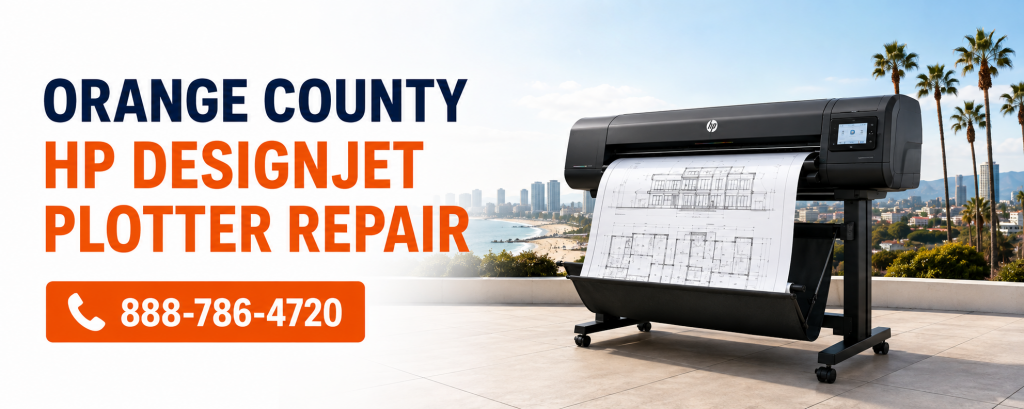
HP DesignJet Not Loading Paper or Rejecting the Roll.Is your HP DesignJet plotter refusing to load paper, rejecting the roll, or displaying a paper-related error? Onsite Printer Services provides professional onsite HP DesignJet paper-loading repair throughout Orange County.
Why Won’t My HP DesignJet Load Paper?
An HP DesignJet may reject paper when it cannot detect the media correctly. The problem may be caused by a dirty or damaged media sensor, incorrect paper settings, a damaged spindle, worn rollers, a paper-path obstruction, a cutter problem, or a mechanical failure.
The plotter may also feed the paper crooked, repeatedly ask you to reload the roll, stop during printing, or report that no paper is installed.
Avoid repeatedly forcing the paper into the plotter. This may damage the paper path, rollers, sensors, or other internal components.
HP DesignJet Paper-Jam Repair
Removing the visible paper may not resolve a recurring jam. Torn paper, dust, adhesive, damaged sensor flags, or worn feed components can remain inside the plotter.
Our technician can inspect the media path, sensors, spindle, rollers, cutter assembly, paper-advance system, and related components to determine why the plotter is not loading correctly.
HP DesignJet Models We Service
We service many HP DesignJet models, including the T520, T530, T630, T650, T730, T830, T850, T920, T930, T1300, T1500, T1530, T2500, T2530, T2600, and T3500.
If your model is not listed, call us with the complete model and error message.
Orange County Service Area
Onsite Printer Services provides HP DesignJet plotter repair in Irvine, Anaheim, Santa Ana, Fullerton, Costa Mesa, Huntington Beach, Orange, Newport Beach, and surrounding Orange County communities.
Schedule HP DesignJet Paper-Loading Repair
If your HP DesignJet will not load paper, rejects the roll, feeds the media crooked, or repeatedly displays a paper error, contact Onsite Printer Services for professional onsite diagnosis and repair.
Call 888-786-4720 to schedule HP DesignJet service in Orange County.