
HP Printer Cleaning – Orange County Printer Repair
Orange County HP Printer Cleaning |.Regular HP printer cleaning prevents paper jams, dirty backgrounds, streaks, and premature part failures, saving money on both toner and hardware. Dust, paper fibers, and toner buildup inside HP LaserJet, Color LaserJet, Enterprise, and HP LaserJet Pro devices can clog sensors, damage fusers, and cause poor print quality if they are not cleaned on a routine schedule.
Orange County Printer Repair offers professional onsite cleaning for HP printers across Orange County, including Anaheim, Santa Ana, Irvine, Huntington Beach, Garden Grove, Orange, Costa Mesa, Fullerton, Mission Viejo, Westminster, Newport Beach, Buena Park, Lake Forest, Tustin, Yorba Linda, and surrounding cities. For service, call 888-786-4720.
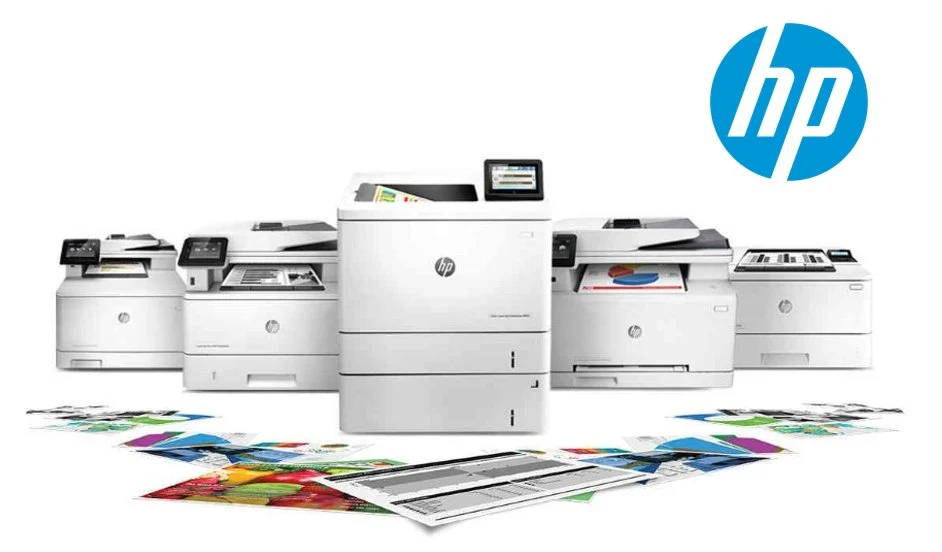
Orange County HP Printer Cleaning | Why HP Printer Cleaning Matters
A clean HP printer runs cooler, uses less toner, and produces sharper, more consistent pages, which is critical for invoices, reports, and customer‑facing documents. Over time, toner dust and debris can coat fans, rollers, and sensors, leading to error codes, noise, and slowdowns that affect productivity.
Routine cleaning also helps extend the life of fusers, transfer belts, and feed rollers so you delay expensive hardware replacements and keep your device operating within manufacturer‑recommended conditions.
What a Professional Cleaning Includes
Orange County Printer Repair provides a complete internal and external cleaning process tailored to HP LaserJet, Color LaserJet, Enterprise, and HP LaserJet Pro printers. A typical professional cleaning visit includes:
Power‑down, inspection, and safe disassembly of key access panels.
Removal of loose toner, dust, and paper fibers using appropriate vacuums and lint‑free wipes.
Cleaning of paper path components such as pickup rollers, separation pads, registration rollers, and output rollers.
Careful cleaning around the fuser, transfer belt/drum area, and duplex unit to avoid damage.
Glass and ADF cleaning on HP MFP devices to eliminate lines and spots on scans and copies.
Visual inspection for worn or cracked rollers, fuser wear, and any visible toner leaks.
If technicians find worn parts during cleaning, they can recommend replacement and often install rollers, fusers, or maintenance kits during the same visit.
Signs Your HP Printer Needs Cleaning
Many HP printers do not show a “cleaning required” message, so watching for symptom patterns is important. Your HP printer may be ready for professional cleaning if you notice:
Gray or dirty background on pages, toner dust inside the tray area, or toner on the edges of the paper.
Frequent paper jams in the tray, at the fuser, or in the duplexer, even when using good paper.
Squeaking, grinding, or unusual fan noise during print jobs, especially on longer runs.
Light vertical streaks, repeating marks, or smudges that appear in a pattern down the page.
Lines or spots on scans or copies from the automatic document feeder or scanner glass.
If any of these issues appear, scheduling cleaning early often prevents more serious damage and downtime.
Basic HP Printer Cleaning Tips for Offices
For day‑to‑day care between professional service visits, office staff can follow a few safe cleaning practices:
Keep the printer in a clean, low‑dust environment away from open windows, vents, and direct sunlight.
Gently wipe the exterior with a soft, lint‑free cloth; avoid household sprays or liquids near vents and openings.
Use quality paper and store it in a dry place to reduce paper dust and moisture‑related jams.
Do not use compressed air inside the printer, as this can blow toner into fans and sensors or deeper into the machine.
Never touch the fuser surface or imaging drum with bare fingers, and do not remove internal components unless trained.
These small steps, combined with scheduled professional cleaning, keep your HP printers running smoothly throughout the year.
Schedule HP Printer Cleaning in Orange County
Orange County Printer Repair specializes in HP printer cleaning for HP LaserJet, HP Color LaserJet, HP LaserJet Enterprise, HP LaserJet Pro, HP Managed, and HP MFP series devices. Service is available across Orange County, including Anaheim, Santa Ana, Irvine, Huntington Beach, Garden Grove, Orange, Costa Mesa, Fullerton, Mission Viejo, Westminster, Newport Beach, Buena Park, Lake Forest, Tustin, Yorba Linda, Placentia, La Habra, Fountain Valley, Rancho Santa Margarita, Cypress, Brea, Stanton, Laguna Niguel, Dana Point, La Palma, Seal Beach, Laguna Hills, Aliso Viejo, Laguna Beach, Los Alamitos, Villa Park, San Clemente, and nearby communities.
For preventive HP printer cleaning, one‑time deep cleaning, or a scheduled maintenance program, call Orange County Printer Repair at 888-786-4720 or submit a service request online today.